Planning and reminders
TicTAP allows you to assign Plannings and Reminders to assets, making it easier to manage routine tasks, maintenance schedules, and inspections.
Planning
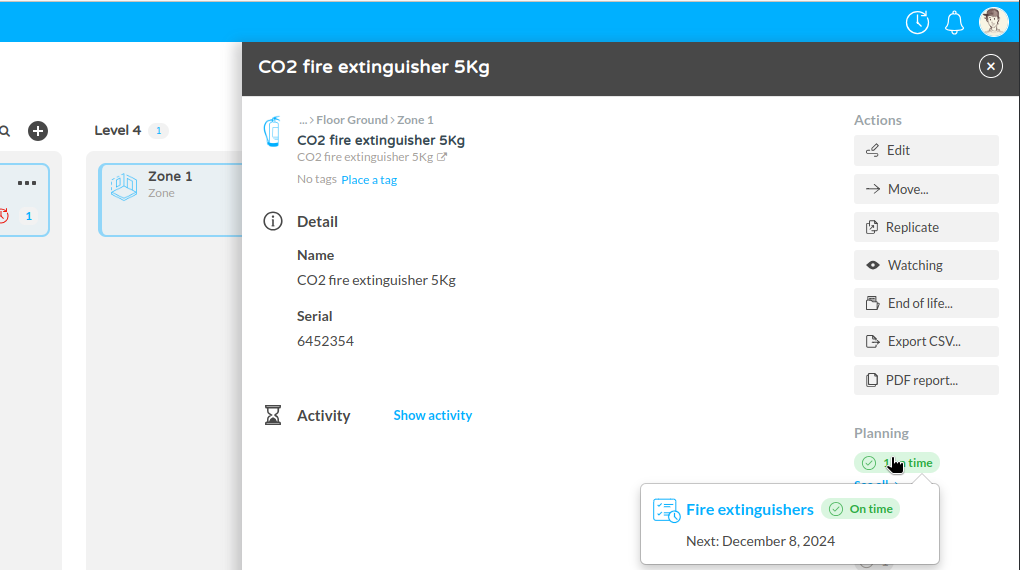
- Planning Status: Displays the current planning status, such as whether scheduled tasks are on time. In the screenshot, you can see "1 on time" under Planning, which indicates that a scheduled task has been completed as planned.
- Click See all to view details of the tasks or maintenance actions linked to the asset, such as inspections or service dates.
Reminders
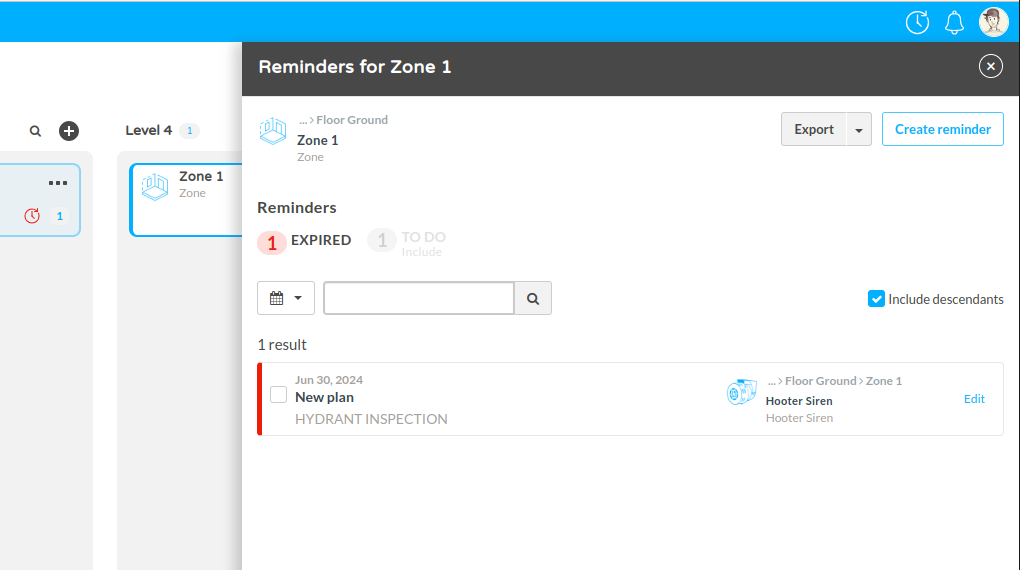
- Reminders: This section displays active reminders for the asset (e.g., maintenance due dates or routine check-ups). In the example, there is "1 Reminder" under the Reminders section.
- Click See all to view a list of reminders, which helps ensure tasks are completed on schedule and assets are properly maintained.